Enterprise customers ask us more and more often: if we don't want documents to leave for the cloud at all, can we use an AI that runs on our own machines?
This month a new local document-reading model for Thai came out. It reads Thai and English mixed on one page, outputs Markdown with tables, and is licensed for commercial use. It was the most accurate local model we could find when we tested, so we ran it on real documents and compared it with Gemini, which we use every day.
The short version: numbers came out better than expected, but Thai text is still often wrong. It cannot replace cloud AI yet, but it has a place.
How we tested
We used WinnerSoft's own purchase documents: 14 files, 17 pages, covering tax invoices, retail receipts, an electricity bill, a post office receipt and a Japanese invoice. Some were printed by a system, some were handwritten.
| Item | Detail |
|---|---|
| Documents | 14 files / 17 pages |
| Images sent to the AI | PDF rendered at 250 DPI |
| Machine | Laptop with an RTX 4060 8 GB GPU |
| Compared with | Gemini's reading of the same files |
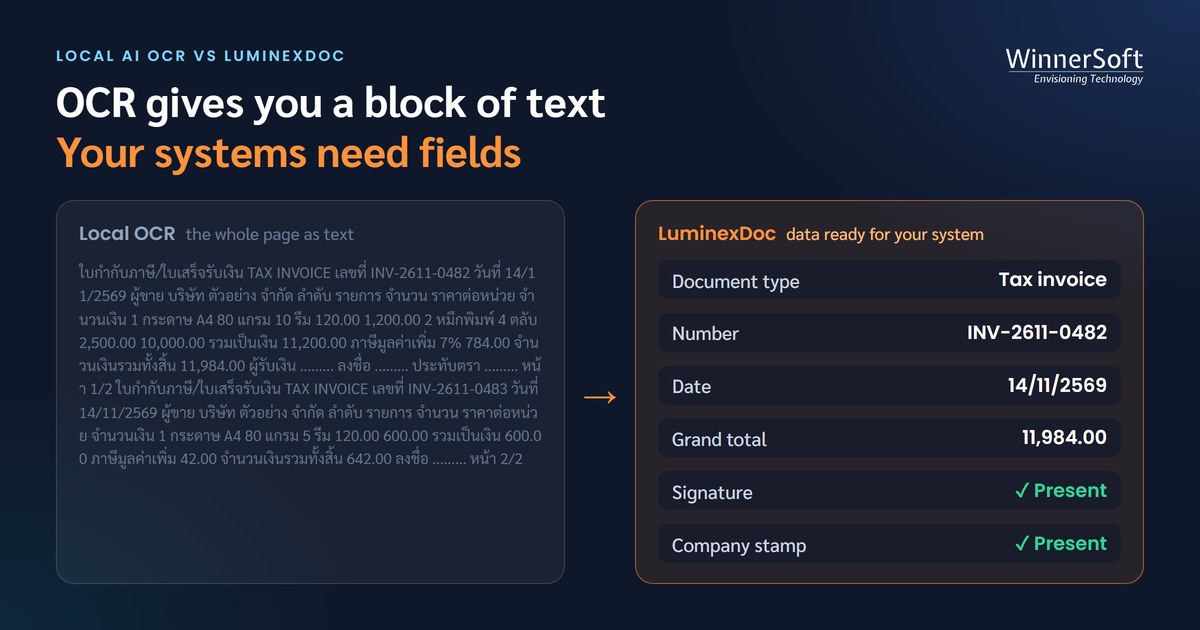
We did not count correct characters, because an accounting system does not need every character. It needs fields: supplier name, tax ID, amounts, line items. So we measured how many of the fields a system needs appear in the text the AI produced, a measure called field recall.
| Field (one handwritten tax invoice) | Gemini | Local AI |
|---|---|---|
| Supplier name | ✓ | ✓ |
| Supplier tax ID | ✓ | ✓ |
| Supplier address | ✓ | ✓ |
| Buyer name | ✓ | ✓ |
| Buyer tax ID | ✓ | ✗ |
| Line item | ✓ | ✓ |
| Field recall for this invoice | 6/6 = 100% | 5/6 = 83% |
A caveat: the reference fields were themselves extracted from Gemini's reading, so the score leans somewhat in Gemini's favour. And 17 pages is a small test set. Read it as a direction, not a guarantee.
Overall: numbers good, Thai text well behind
| Measure | Gemini | Local AI |
|---|---|---|
| Field recall, all fields (316) | 97.8% | 76.6% |
| Numeric fields only: amounts, numbers, dates (175) | 98.9% | 95.4% |
| Time per page (average) | — | 52.9 s (26.7–88.5) |
| Peak GPU memory | — | 1.54 GB |
| Pages completed | — | 17 / 17 |
On numeric fields the gap is under 4 points. Add the Thai text fields, such as supplier names, addresses and product names, and it widens to about 21 points. The best results were on English and Japanese invoices. The worst was a retail receipt with a long product table over several pages, at about 58% of fields.
The good side deserves saying too: the model is tiny, using under 2 GB of GPU memory, it runs on a laptop, it finished every page without being cut off, and no document data ever left the machine.
Where it went wrong
1. Thai characters on receipt fonts — the most common error. Rows complete, numbers complete, product names misspelled.
| Product name on the receipt (as Gemini read it) | As the local AI read it |
|---|---|
| คาร์เนชัน นมข้นจืด 405 ก. | คาร์เนชัน นมขันจื่อ 405 ก. |
| ริทซ์ แครกเกอร์ 300ก | ริทธ์ แครกเกอร์ 300ก |
| เมจินมขาดมันเนย 2 ลิตร | เมจินมขาคมันเนย 2 ลิคร |
Every number in these rows, from product codes to quantities, prices and totals, was read correctly by both. The difference is purely Thai: the local AI confused similar-looking Thai letters on the receipt printer's font.
2. Numbers that look right but are wrong — the most dangerous. On a handwritten tax invoice the buyer's tax ID 0105563026115 was read as 0105568026115. All 13 digits, a perfectly valid-looking format. Without a checksum test it would slip into the accounting system unnoticed. On the same invoice the date 23/01/68 was read as 28/01/68.
3. Table columns collapsed — on a system-printed tax invoice with a clearly ruled four-row table, Gemini got every column. The local AI kept two rows and packed the numbers from all rows into one cell. The numbers are still in the text and searchable, but cannot be split into line items.
4. Summary rows missing — in the totals box of the same invoice, the local AI repeated the discount row instead of the three rows below it, so sub-total, VAT and grand total were all lost.
5. Faint digits — 13-digit product codes whose first digit was printed faintly came out with ≥ and ≤ in place of the 8, and the last table row merged with the text below the table.
Gemini gets things wrong too
In the same set Gemini read every handwritten field correctly, but added a word to a product name on a receipt that is not in the document, most likely guessed from a product it knows. Any AI can be wrong, and a single AI does not know when it is.
The more important question than "which AI is more accurate" is "how will the system know which field is wrong".
Does cutting the page into pieces help?
We tried the 8 worst pages, splitting each image into slightly overlapping pieces before sending it to the local AI.
| Method | Field recall | Numeric fields | Total time |
|---|---|---|---|
| Gemini (reference) | 95.1% | 98.6% | — |
| Local AI, whole page | 69.9% | 92.8% | 487 s |
| 3 horizontal strips | 69.9% | 89.9% | 224 s (2.2× faster) |
| 4 tiles (2×2) | 67.8% | 84.1% | 309 s |
Strips help with speed but do nothing for misread Thai. Tiles fixed a few fields but cut table rows mid-column, losing numbers instead.
What hardware it needs
The model uses only about 1.5 GB of GPU memory, so an 8 GB card is enough, with the rest available for reading several pages at once. On the test laptop it took about 53 seconds per page, or about 28 seconds with strips. A server with a stronger GPU running on Linux should be several times faster, but we have not measured that on real hardware yet.
Verdict: not a replacement yet, but it has a place
It cannot replace cloud AI yet, because:
- Thai text fields are often wrong, so people must correct more
- Numbers that look right but are wrong risk bad data entering the accounting system
- Collapsed table columns cannot be split into line items
- On the test machine it is much slower than cloud AI
But it can play a supporting role:
- An on-premise fallback when the cloud is unavailable, or for documents that must not leave
- A first pass in-house, sending only pages that fail the checks to cloud AI
- Searching numbers in documents, which it already reads well
Whichever AI you use, you need checks that do not rely on a single AI: validate tax IDs with their check digit, confirm that total minus discount plus VAT equals the grand total, and have more than one AI read the same document, sending only the fields they disagree on to a person.
Our next step is to test on a server with a larger document set, and measure again after adding the tax ID and total checks.