The first question IT asks whenever someone proposes using AI on internal work is always the same: "Where does our data go?"
For organisations running Nintex K2 on-premises there is now a more direct answer. K2 Intelligence, an add-on that arrived with K2 5.9.1, brings AI into workflows, forms and views, with the model running on the organisation's own server.
How it works
K2 Intelligence installs as a Windows service. Inside it runs llama.cpp, open-source software for running language models locally. The model files ship with the installer, so nothing is downloaded, and Nintex's documentation states that the offline flag, which stops the service downloading anything, is always on.
- The default model is Qwen3-0.6B, a small open-source model under the Apache 2.0 licence.
- By default it only accepts requests from the same machine (localhost). Letting other machines call it is an explicit configuration change.
- Any other model in GGUF format can be swapped in through a configuration file.
- It needs Windows Server 2016 or later and .NET Framework 4.8.
Four tasks out of the box
Once installed, four ready-made AI tasks appear as SmartObjects, the building block K2 developers already know. They drop into a workflow or bind to a form like any other SmartObject:
- Sentiment: is this text positive, negative or neutral?
- Severity: how urgent is this?
- Summarisation: shorten long text so an approver can read it in a few lines.
- Language detection: English, German, Spanish, French and Arabic.
In practice: incoming requests are graded for severity first, so serious ones go straight to a manager while routine ones join the normal queue. Or an approval request with pages of attached comments gets a one-paragraph summary at the top of the approval form.
The more interesting part: building your own AI tasks
The four built-in tasks are only examples. A K2 team can define its own by setting three things:
- Instructions (the system prompt): what the AI should do, such as reading an email and saying what it is about and which department it came from.
- Output fields: the name and data type of each field, such as category (text), amount (number), reply needed (yes/no).
- Schema enforcement: how strictly the AI must answer in those fields.
When the task is published, K2 turns it into a new SmartObject. The workflow receives the AI's answer as structured data it can route on directly, not a block of prose someone has to read again.
Limits to know before you plan
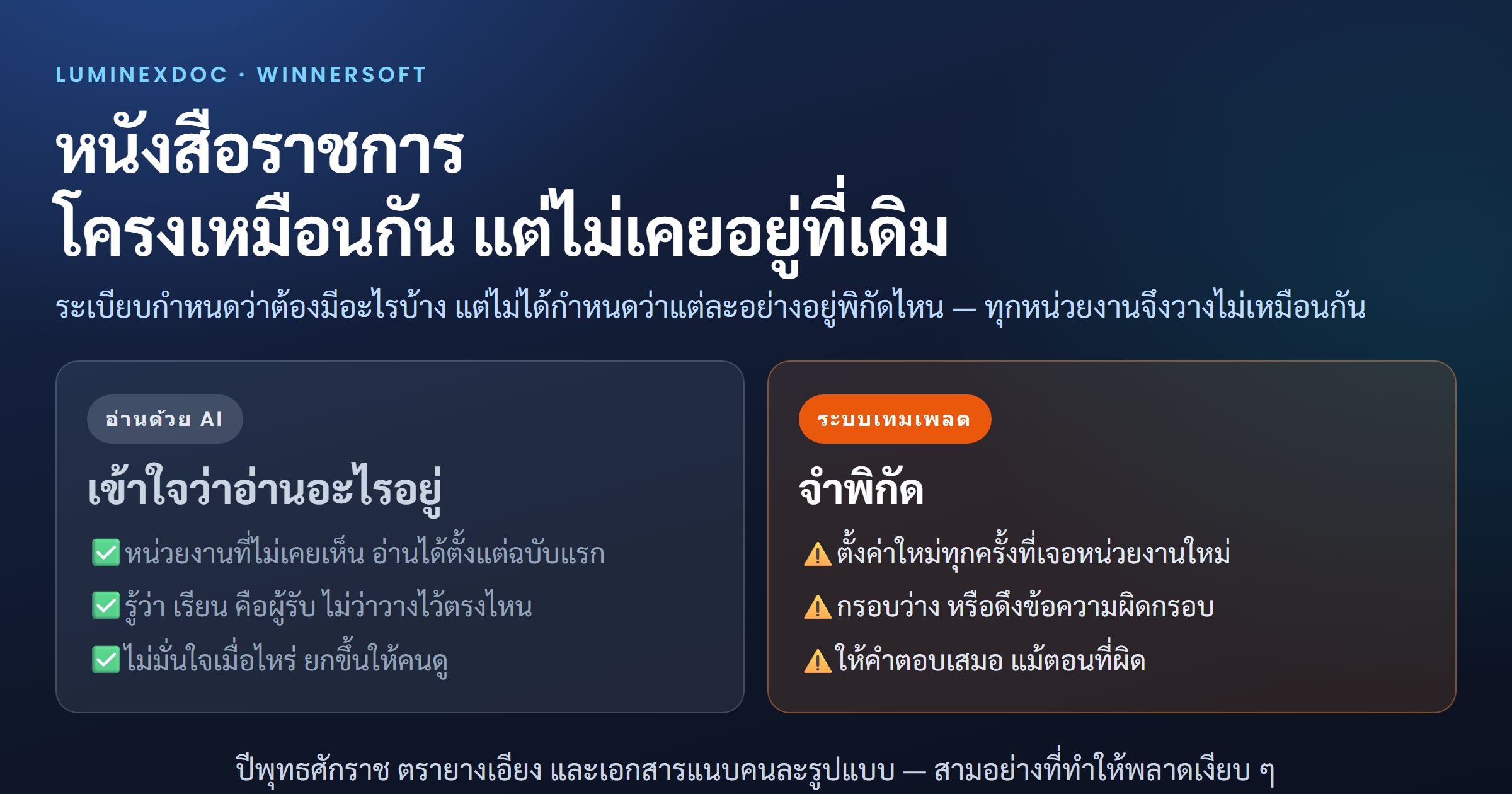
- Thai: the built-in language detection does not list Thai. If your process runs on Thai text, test on real data first, and you may need to swap in a model with stronger Thai support.
- The default model is small: at 0.6B it suits classification and short summaries better than multi-step reasoning. For more, choose a larger model and size the server for it.
- Answers are not guaranteed: Nintex's own documentation says a response is not guaranteed if schema enforcement fails, so the workflow should have a fallback path to a person.
- Sanitise outside text: Nintex recommends enabling sanitisation for anything from forms, emails or documents, to guard against prompt injection.
- K2 5.9.1 is a short-term support release: the release notes state support ends when 5.10 ships, so plan the upgrade as well.
The same picture as Salesforce, from the other direction
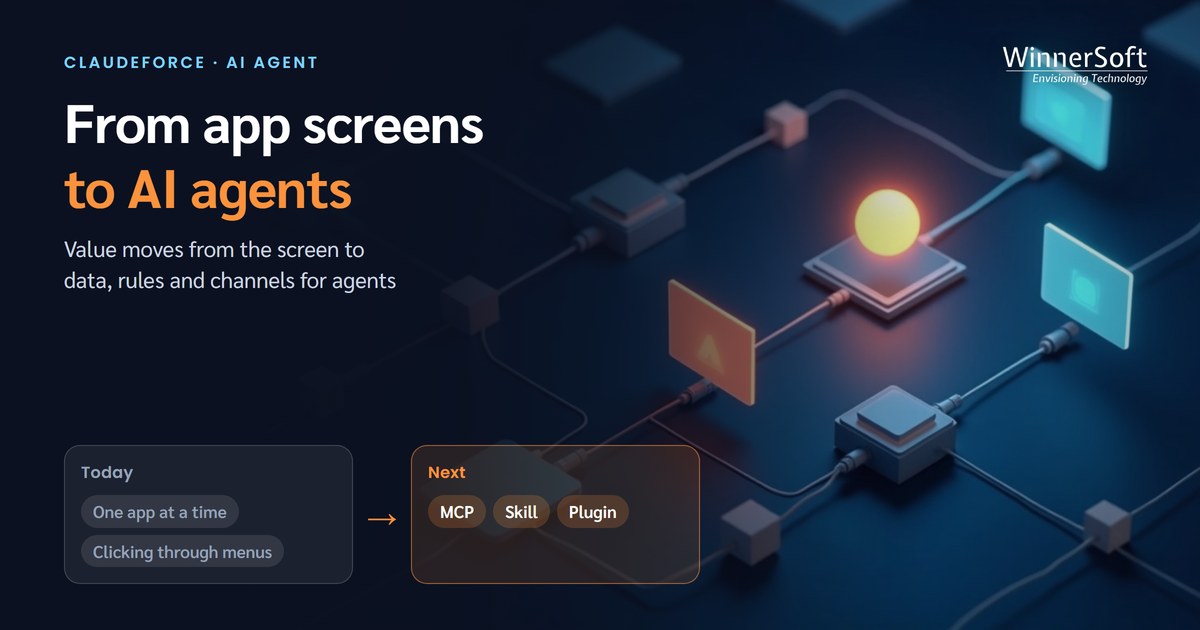
In August 2026 Salesforce and Anthropic announced Claudeforce, letting outside AI agents work with business systems through MCP without opening a screen. K2 Intelligence is the other side of the same trend: rather than bringing outside AI in, it puts a small AI inside the process, doing a defined job under the workflow's rules and permissions.
Two organisations may choose differently for one reason: where their data is allowed to live. Those that can send data to the cloud get far more capable models. Those that cannot, such as government, finance and hospitals, now have an option that does not require waiting.
Where to start
Pick the one step in a workflow where someone reads text today and decides who it goes to next. That is the right first job for K2 Intelligence: mistakes are cheap, and it is easy to measure how much less people have to read.
WinnerSoft is a Nintex partner in Thailand supporting K2 for enterprise customers. Contact us to test K2 Intelligence on your organisation's real Thai text before building it into a process.
Sources
- Nintex — K2 Intelligence overview (5.9.1)
- Nintex — Create and manage AI tasks
- Nintex — K2 Intelligence Service Windows service
- Nintex — K2 Intelligence best practices
- Nintex — Installing K2 Intelligence
- Nintex Automation K2 release notes
- IT Brief — Nintex adds on-premises AI to K2 for regulated firms