A document-reading system that demos beautifully usually meets its first real problem in week one of a Thai deployment. Not because the technology is weak, but because the documents it was designed around are not the documents a Thai organisation actually receives.
What follows is what we keep seeing when a system meets real Thai paperwork. It is not a feature list — it is what to test before signing.
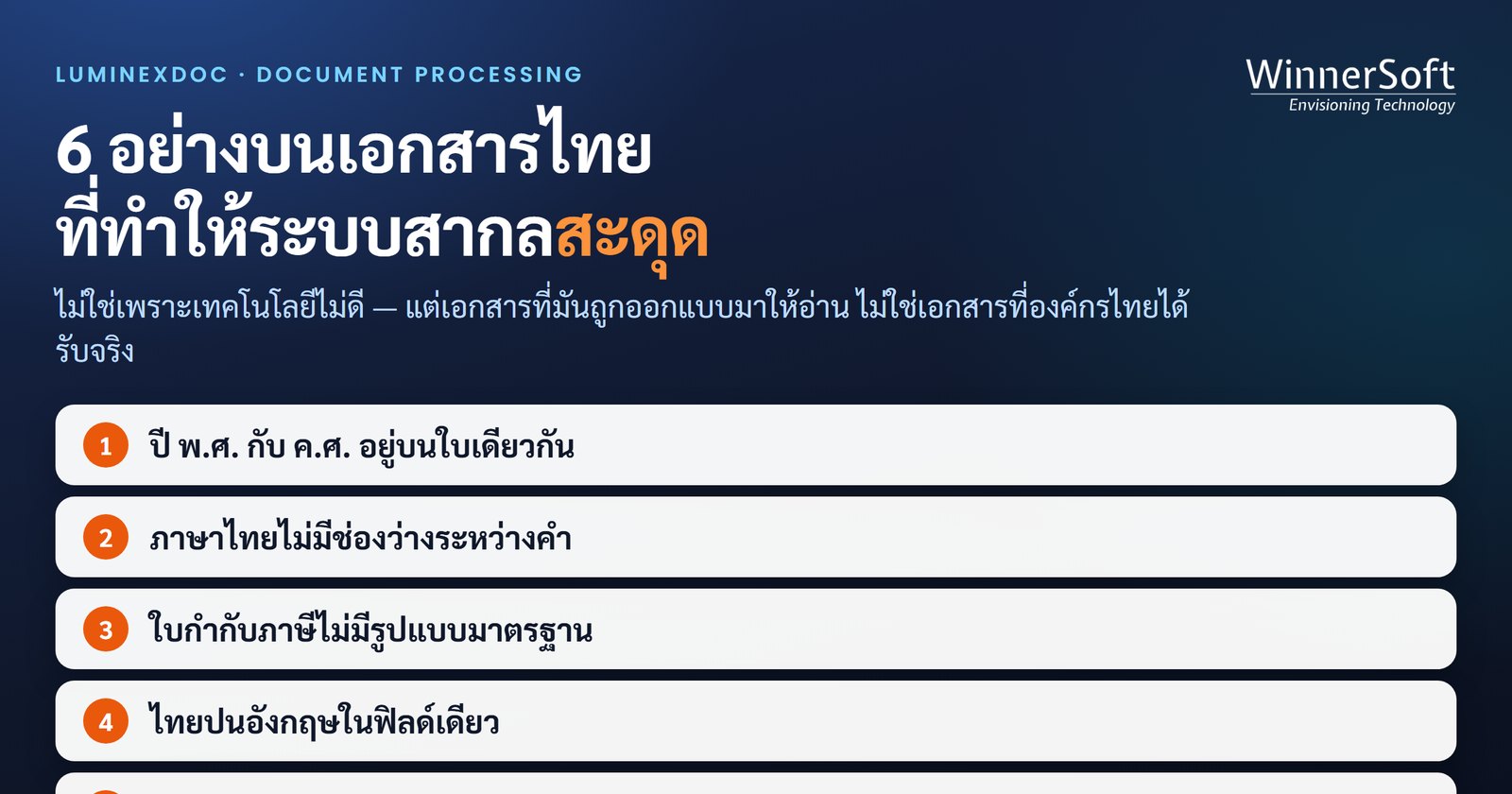
1. Buddhist-era and Christian-era dates on the same page
Many Thai tax invoices print the year in the Buddhist era while the accounting system downstream stores Christian-era dates. Not every document uses the same convention, and some carry both: the issue date in Buddhist era, the payment due date in Christian era, in different corners of the page.
A system that converts years by a fixed rule fails the moment it meets a document that mixes them. This kind of error raises no alarm. It quietly writes a date 543 years out and surfaces at period close.
2. Thai has no spaces between words
Most text-extraction tools split words on spaces, which does not work for Thai. A long company name written without spacing gets segmented in the wrong places, and once the vendor name is wrong, matching that invoice against vendor master data fails for the whole document.
The symptom looks odd at first: every number reads correctly but the vendor cannot be matched — the failure is not in reading, it is in word segmentation.
3. Thai tax invoices are legally specified, not visually standardised
The law sets out what a tax invoice must contain. It does not set out where any of it goes. Every vendor lays the page out their own way, so an organisation with several hundred suppliers receives several hundred layouts carrying the same set of fields in different places.
This is where template-based systems break. A template is bound to one layout, so when a supplier changes their logo or shifts a table down two lines, that template has to be rebuilt — and nobody finds out it broke until somebody notices a wrong number.
The question to ask a vendor is not "can it read Thai tax invoices?" but "what has to happen if one supplier changes their form tomorrow?"
4. Thai and English mixed inside one field
Line items on Thai invoices routinely mix scripts: the product name in English, the unit of measure in Thai, the remark in Thai, the product code in digits and Latin letters. A system configured for a single language reads the parts outside that language noticeably worse.
5. Seals, signatures and handwritten notes
Documents that have been through a Thai approval process usually carry a company seal stamped over the text, a signature crossing a table, and a pen annotation in the margin — which is sometimes the single most important thing on the page, such as the purchase order number that procurement wrote on by hand.
A system tested only on computer-generated PDFs never meets any of this until it is live.
6. The files that arrive are not always clean
A great many documents arrive as phone photographs, skewed scans, or PDFs compressed until the characters blur. The receiving organisation does not get to dictate how suppliers send things, so the system has to cope with what actually arrives rather than what it would prefer.
The test that tells you the truth fastest
Do not hand over your cleanest documents. Take the ten worst you can find in the building — the skewed one, the one with a seal over the text, the one from the supplier who just changed their form, the one mixing Buddhist and Christian years — and watch what the system does with them.
Just as important: watch whether it tells you when it is unsure. A system that guesses confidently and posts a wrong value into your accounts is more dangerous than one that raises its hand, because the first kind of error is invisible until it is expensive.
What we see in production
LuminexDoc runs in production with a Japanese automotive parts manufacturer in Thailand, in daily use across five document types: tax invoices, invoices, receipts, debit notes and credit notes.
The approach we chose uses no templates. Three AI models read every field and their answers are compared; only the fields where they disagree are sent to a person. The system therefore knows where it is unsure, rather than guessing and passing it on.
In a test on the live instance on 26 July 2026, it read a Japanese-language contract with every field correct and all three models in agreement — with no template built for that layout in advance.
The time saved does not come from where most people assume
Measured against the customer's own check sheet, the human time required per document fell by 70%, from 5.76 minutes to 1.75 minutes.
The more interesting figure is where that saving came from: 89% of it came from the step of posting data into SAP, which fell from 4.43 minutes to 0.86 minutes — not from reading the document.
That changes how the problem looks. The expensive work was never understanding what the invoice said; people read invoices quickly. The expensive work was retyping what they read into another system. A tool that reads brilliantly but does not connect to the system downstream is solving the smaller half.
In short
- Test with your worst documents, not your best
- Ask what happens when a supplier changes their form, not just whether it can read one
- Check whether the system tells you when it is unsure
- Look at how it connects to the system downstream, because that is where the time goes
- Test Buddhist-era dates, company seals and mixed Thai-English before you decide
If your organisation is evaluating automated document processing, we are happy to run it against your own documents — including the ones you think are hardest.